Village in the Shade Controls & Keybindings
Platform layouts, expected inputs, and settings to check on unlock night.
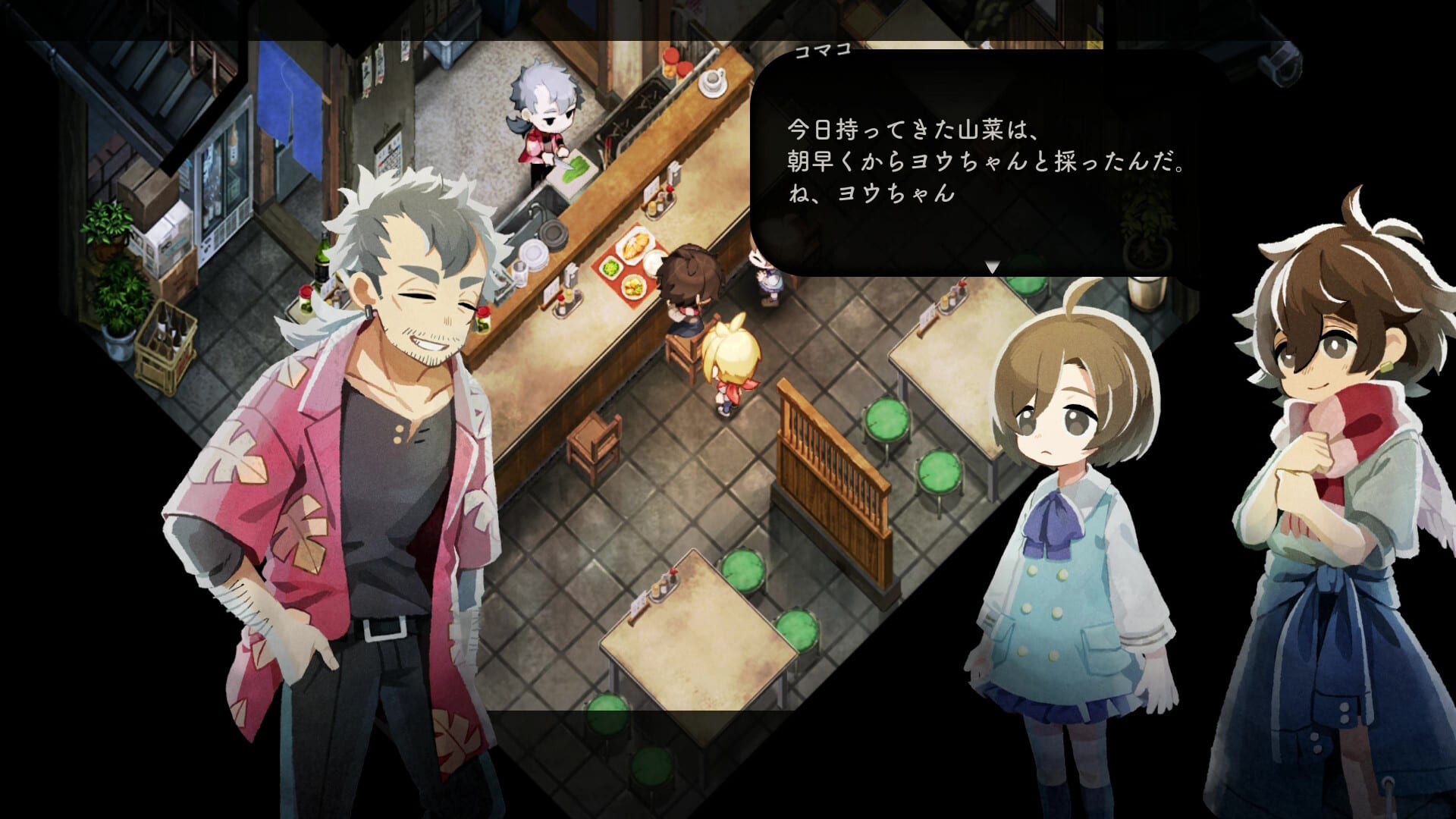
Village in the Shade is a single-player life sim with farming, crafting, fishing rhythm segments, night exploration, and menu-heavy homestead work. Official pre-launch materials focus on platforms and features rather than a public key chart, so this page collects confirmed store expectations plus reasonable planning defaults for Nintendo Switch, Nintendo Switch 2, PlayStation 5, and PC via Steam or Windows. Treat exact button labels as something to verify in the in-game Options menu after Japan and Asia unlock on July 30, 2026 (Steam Asia listings often show July 29 due to timezone).
Pair this page with system requirements on PC, the platform buyers guide if you still own the wrong Nintendo SKU, and the day-one checklist for first-boot order.
What every platform shares
Life sims in this mold usually map the same verbs everywhere:
- Move the protagonist through Kagatsu.
- Interact / confirm with villagers, crops, tools, and doors.
- Cancel / back out of menus.
- Open inventory or tools for farming, DIY, and cooking loops.
- Camera adjustment for decorating and reading signs.
- Pause or system menu for saves, settings, and mode reminders.
Preview footage shows third-person village walking, context prompts at objects, and separate UI for crafting, affection, and the clock tower. None of that requires a fighting-game layout — plan for a cozy default, not a shooter muscle map.
Nintendo Switch and Switch 2
Both SKUs play like standard Nintendo life sims: face buttons confirm, shoulders often swap tools, and the right stick rotates or moves the camera depending on context. Important: Switch and Switch 2 versions do not share saves. Pick one hardware family before you bind muscle memory. The platform buyers guide explains the published compatibility warning.
Handheld mode favors short sessions; docked mode helps read small UI during decorating. If you migrate from another farm sim on Switch, expect the first hour to feel like relearning which button waters versus which button talks.
PlayStation 5
The Japanese PlayStation Store listing notes DualSense vibration support and offline play. PS5 layouts typically mirror Switch logic with Cross to confirm, Circle to cancel in Japanese configuration (Western accounts may invert this in system settings), and triggers for tools or context actions. Vibration cues may matter more during night exploration — keep audio and haptics enabled unless you are streaming with spoiler sensitivity.
PC (Steam and Windows)
Steam lists partial controller support alongside keyboard and mouse. Pre-launch specs call for Windows 10/11, DirectX 11, and about 9 GB storage — see system requirements for full tables.
Until official PC charts ship, plan keyboard defaults similar to other NIS PC ports:
| Action | Typical PC default |
|---|---|
| Move | WASD |
| Interact / confirm | E or Space |
| Cancel / menu back | Esc or Backspace |
| Inventory / tools | Tab or number row |
| Sprint or stamina burst | Shift (if available) |
| Camera | Mouse or arrow keys |
Remapping: Store copy does not promise a public config file path pre-launch. Assume remapping lives inside Options → Controls once the game boots. After unlock, revise this section if the menu differs.
Fishing and rhythm segments
Media previews mention fishing rhythm minigames tied to brook spots on the Kagatsu map. These segments usually demand timed button presses or stick flicks. Read prompts the first time instead of mashing — mis-inputs waste stamina you need for curfew walks home. Deep fishing loops live on the fishing guide.
Night exploration controls
Standard mode adds tension after curfew: movement may feel heavier, audio cues louder, and camera constraints tighter. If horror discomfort appears, switch saves or restart in Peaceful Life Mode via the mode compare tool — do not force yourself through bad inputs on the wrong mode.
Settings to check on first boot
- Language — Console SKUs emphasize English, French, and Spanish text; PC materials also list Japanese, Korean, and Traditional Chinese. Match your storefront region.
- Mode — Peaceful versus standard before you leave the tutorial yard.
- Brightness and gamma — Hand-painted nights read darker on some panels.
- Controller vs keyboard — PC players pick one scheme and stay with it for muscle memory.
- Vibration / haptics — PS5 and Switch benefit from tactile feedback; PC depends on pad.
- Audio mix — Night scenes lean on sound; headphone users should test volume early.
Accessibility planning
No pre-launch public sheet promises full remapping or color-blind modes. If you need larger text, start on PC or docked Switch on a large display. If button hold times are difficult, watch for toggle options post-launch and report gaps via official channels linked from Links.
Controls versus village rules
Inputs do not replace social rules. You can physically walk toward a border even when the village rules say not to. Controls only execute choices — Getting Started and the day-one checklist help you aim those choices away from accidental curfew violations.
After launch updates
When players confirm final key charts, this wiki will replace planning tables with verified menus and note regional differences. Until then, bookmark Updates and the new launch-day guide for unlock-week patches.
Return to the Tools hub for specs, checklists, and platform SKUs. Kagatsu rewards calm hands — learn the layout before you rush the brook at dusk.
Frequently Asked Questions
Quick answers about Kagatsu Village life and the wiki.
Are official key charts published yet?
Pre-launch materials emphasize platforms and features. Verify final bindings in the in-game Options menu after unlock.
Does PC support controllers?
Steam lists partial controller support alongside keyboard and mouse.
Do Switch and Switch 2 use the same controls?
Layouts should match, but saves do not transfer between SKUs. Pick one platform family.
Where is fishing input explained?
See the Fishing guide for rhythm segments at brook spots.
Can I remap on PC?
Expect remapping inside the game settings menu after launch. This page will update once verified.