Village in the Shade Character Customization
Build your settler look — hair, clothes, and accessories before the first weed is pulled.
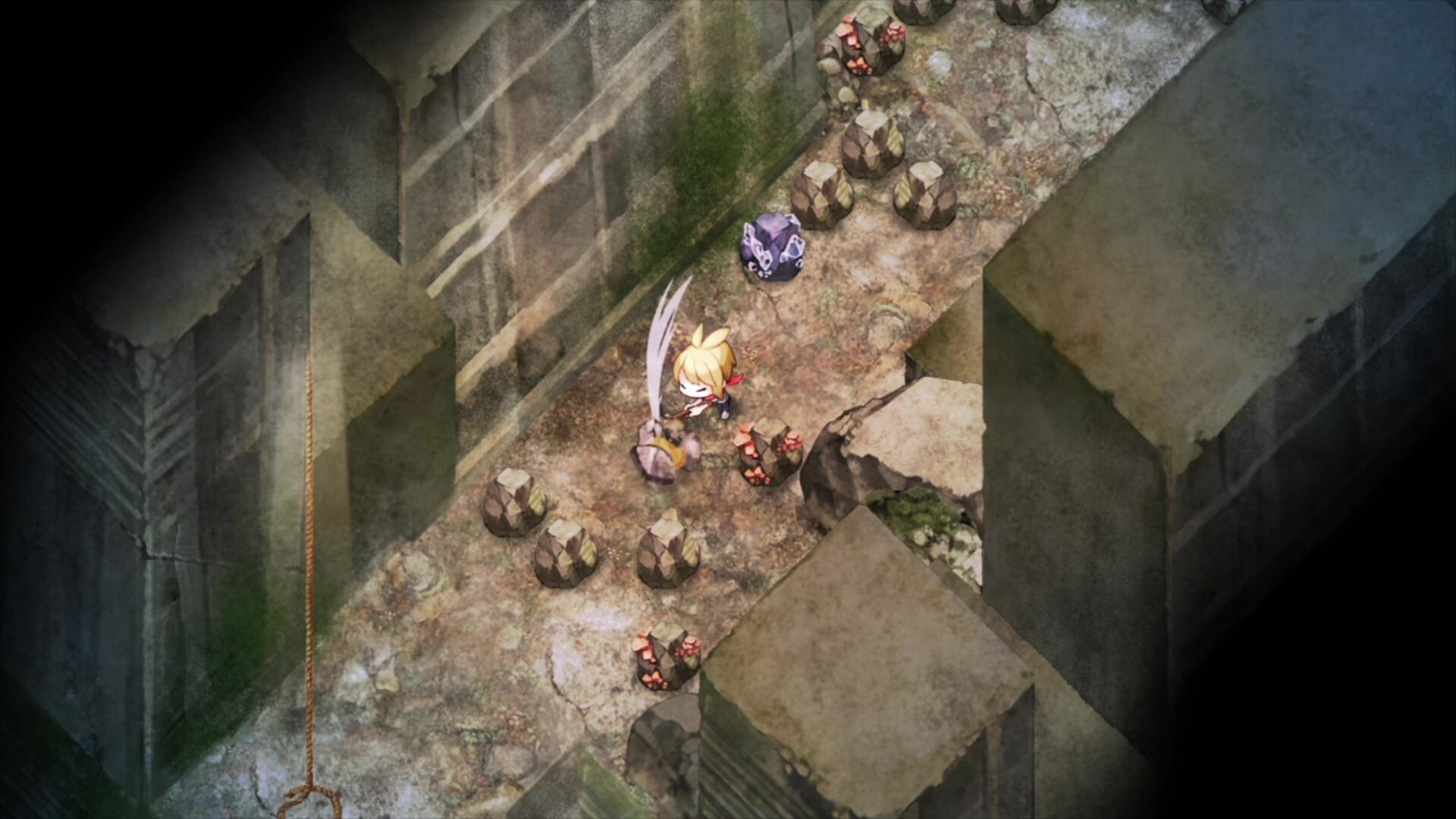
Village in the Shade lets you treat the protagonist as a player avatar. Publisher and feature summaries confirm character creation with freely combined hairstyles, outfits, and accessories so your settler looks like someone who belongs in Kagatsu — or stubbornly does not. This page covers how to think about that creator before the Japan and Asia unlock and the Western Fall 2026 window.
It pairs with the villagers guide (named residents) and Getting Started (first-day priorities).
What you can customize
Public materials describe mixing:
- Hairstyles
- Clothing / outfits
- Accessories
Exact slider counts and unlock cosmetics can expand after launch patches. Start with a readable silhouette for livestreams if you create content under the open streaming guidelines.
Why the look matters in Kagatsu
Kagatsu is an insular village. Your outfit is the first story you tell neighbors before gifts or festivals. A practical farm look supports farming and homestead fantasy; a dressed-up festival set pairs with festivals and seasons. Night explorers in standard mode may want darker, quieter colors — see night exploration — while Peaceful Life Mode players can optimize purely for cozy screenshots.
The embedded Nippon Ichi “three playstyles” clip is a reminder that lifestyle fantasy and avatar fantasy should match. Slow-life, DIY, or animal-forward days from village playstyles all photograph differently.
Creator tips for day one
- Finish mode selection before polishing accessories — mode choice affects what footage you capture.
- Keep one “work clothes” outfit mentally reserved for stamina-heavy clearing days.
- Save a festival-ready look once you understand the calendar.
- Do not burn the first hour only in the closet; clear a waterable plot per the day-one checklist.
- On PC, confirm system requirements so character close-ups stay sharp.
Accessibility and comfort
Choose colors and silhouettes you can track quickly on a busy farm HUD. If jump-scare sensitivity pushed you into Peaceful Life Mode, your avatar can still look adventurous — the mode changes systems, not fashion.
Cast versus avatar
You are not choosing Lin, Komako, or other named villagers in the creator — those are NPCs detailed on the villagers page. Promo mascots Osugi and Onimaru from safe-mode commercials are not in-game residents; do not expect them in the wardrobe.
Collectors and artbooks
Digital Deluxe and physical artbooks may show portrait variants useful as fashion inspiration after spoilers are safe — see editions and preorders. Do not rip artbook PDFs for redistribution.
Platform notes
Switch, Switch 2, PS5, and PC all include the life-sim presentation; buy the correct SKU using the platform buyers guide so your carefully made settler is not stranded on the wrong Nintendo product with incompatible saves.
After you leave the creator
Walk into town, meet residents, and let outfits evolve with surplus crafting from DIY and crafting. Kagatsu notices who you are becoming. Return to the Characters hub when more wardrobe unlocks are verified post-launch.
A good settler look is finished enough to farm in — not perfect enough to delay the first watering can.
Frequently Asked Questions
Quick answers about Kagatsu Village life and the wiki.
Can I customize the protagonist?
Yes. Official materials describe combining hairstyles, outfits, and accessories for your avatar.
Are villagers playable in the creator?
No. Named residents such as the village chief are NPCs. You customize your own settler.
Do promo mascots appear as wardrobe options?
Osugi and Onimaru are promotional mascots and are not presented as in-game villagers.
Should I finish fashion before farming?
Pick a workable look, then clear and water a small plot. Fashion can continue after day one.
Does Peaceful Life Mode lock cosmetics?
No. Mode choice affects rules and horror routes, not the existence of avatar customization.